Best AI Email Generators for Branded Marketing Emails
Key Takeaways
- Choose an in-platform assistant when you want to write and send in the same system. Choose an HTML design tool when you want to keep your existing sender.
- Test whether the tool preserves approved copy, including prices, disclaimers, and button labels.
- Compare brand reuse and the final handoff alongside writing quality. A good draft can still leave you rebuilding the email.
- Run the same campaign through your shortlist, then judge the email after import into your sending platform.
The best AI email generator depends on where your campaign gets stuck. MailerLite offers AI writing inside its email editor, while Bardiah turns approved copy into branded HTML for your sending tool. Klaviyo and Brevo suit broader campaign workflows. Choose by the work you need finished, especially if layout adjustments already take longer than writing.
What should you compare before choosing?
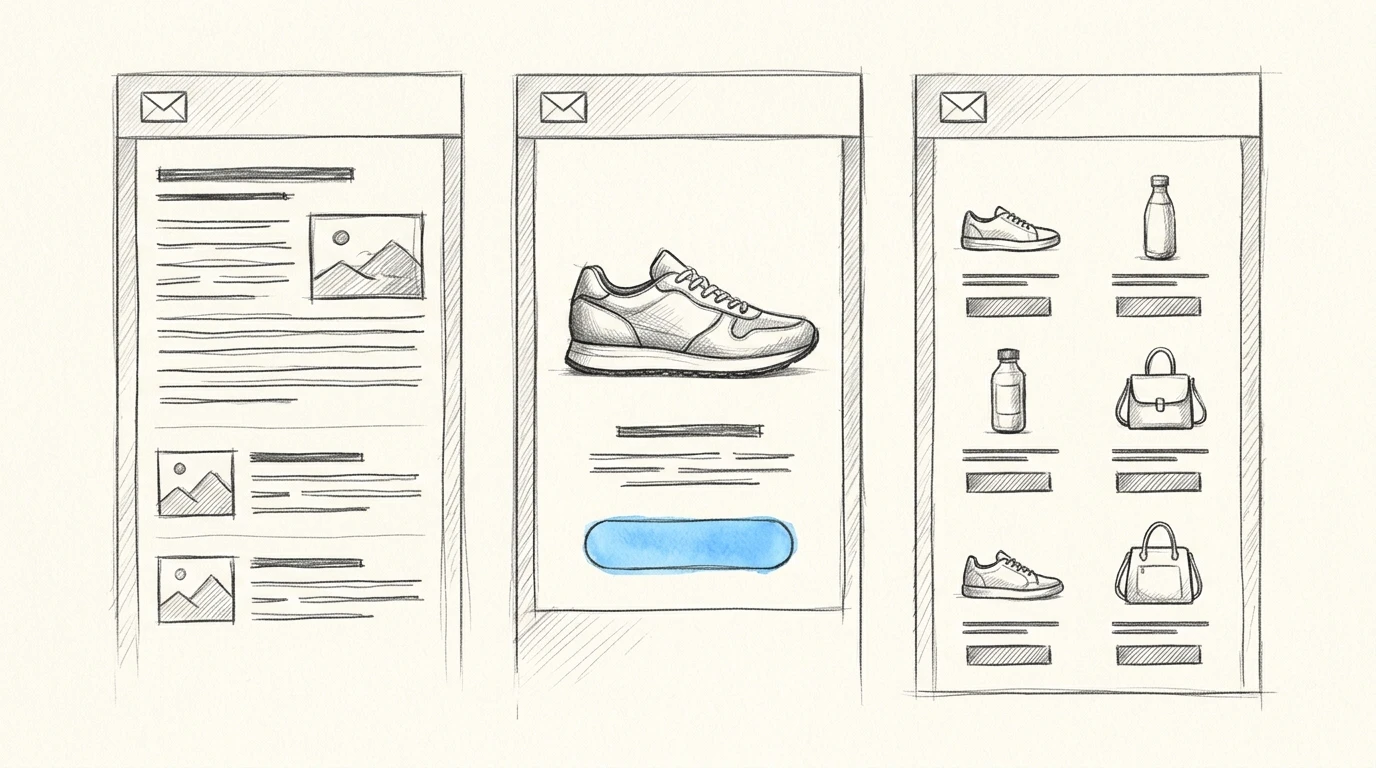
Choose by the finished deliverable. An AI writer produces text, an email template generator produces a layout, and a campaign assistant may also help with audiences or sending decisions. Those capabilities overlap, but they solve different production problems.
For branded marketing emails, I’d judge tools against these criteria before comparing their prompts:
| Criterion | What to test | Why it matters |
|---|---|---|
| Output | Does it produce copy, a designed email, or a campaign inside a sender? | Determines how much production work remains |
| Copy control | Can you protect approved wording during design changes? | Prevents accidental changes to offers or claims |
| Brand reuse | Can it reuse assets and writing guidance without repeated setup? | Reduces work across recurring campaigns |
| Revision control | Can you change spacing or hierarchy without rebuilding? | Keeps small edits from becoming layout projects |
| Handoff | Can you use the result where you actually send? | Reveals import and rendering problems before commitment |
Keep the test specific. If you manage separate clients, check whether one client’s logo or tone can accidentally carry into another project. If your copy has already been approved, ask for a layout revision and compare the wording afterward.
Layout style is a separate decision. Our email design buyer’s guide to layouts and styles covers that choice, while this comparison focuses on which tool gets your campaign into production.
Which AI email generator fits your workflow?
For branded campaigns, the useful shortlist splits between assistants inside sending platforms and design tools that hand work to those platforms. Pick the workflow first, then assess the individual product.
The matrix below gives editorial fit judgments, not performance scores. “Direct fit” means the documented capability directly addresses the task. “Test first” means the capability needs a practical trial against your requirements. Use the empty column for another tool you’re considering.
| Decision criterion | MailerLite | Bardiah | Klaviyo | Brevo | Your option |
|---|---|---|---|---|---|
| Write inside your sending platform | Direct fit | Separate design workflow | Direct fit | Direct fit | |
| Turn approved copy into branded HTML | Test first | Direct fit | Test first | Test first | |
| Reuse separate client brand assets | Test first | Direct fit | Test first | Test first | |
| Add audience or send-strategy assistance | Test first | Separate sending tool needed | Direct fit | Direct fit | |
| Keep design separate from your sender | Test first | Direct fit | Platform-centered workflow | Platform-centered workflow |
MailerLite: for writing inside your newsletter editor
MailerLite fits marketers whose main bottleneck is drafting or revising content inside an existing newsletter workflow. Its AI newsletter generator documentation describes writing assistance accessible from text boxes in the editor, along with subject-line suggestions based on the email.
That’s useful when you have a workable design and need a better introduction or a different CTA. The same page also lists an AI coding assistant in beta, so distinguish the established text-writing workflow from the coding capability when evaluating it.
Choose MailerLite if you want writing help without leaving its editor. Pick a design-focused tool instead if your copy is approved and your recurring problem is turning it into a distinctive layout.
Bardiah: for approved copy that needs branded HTML
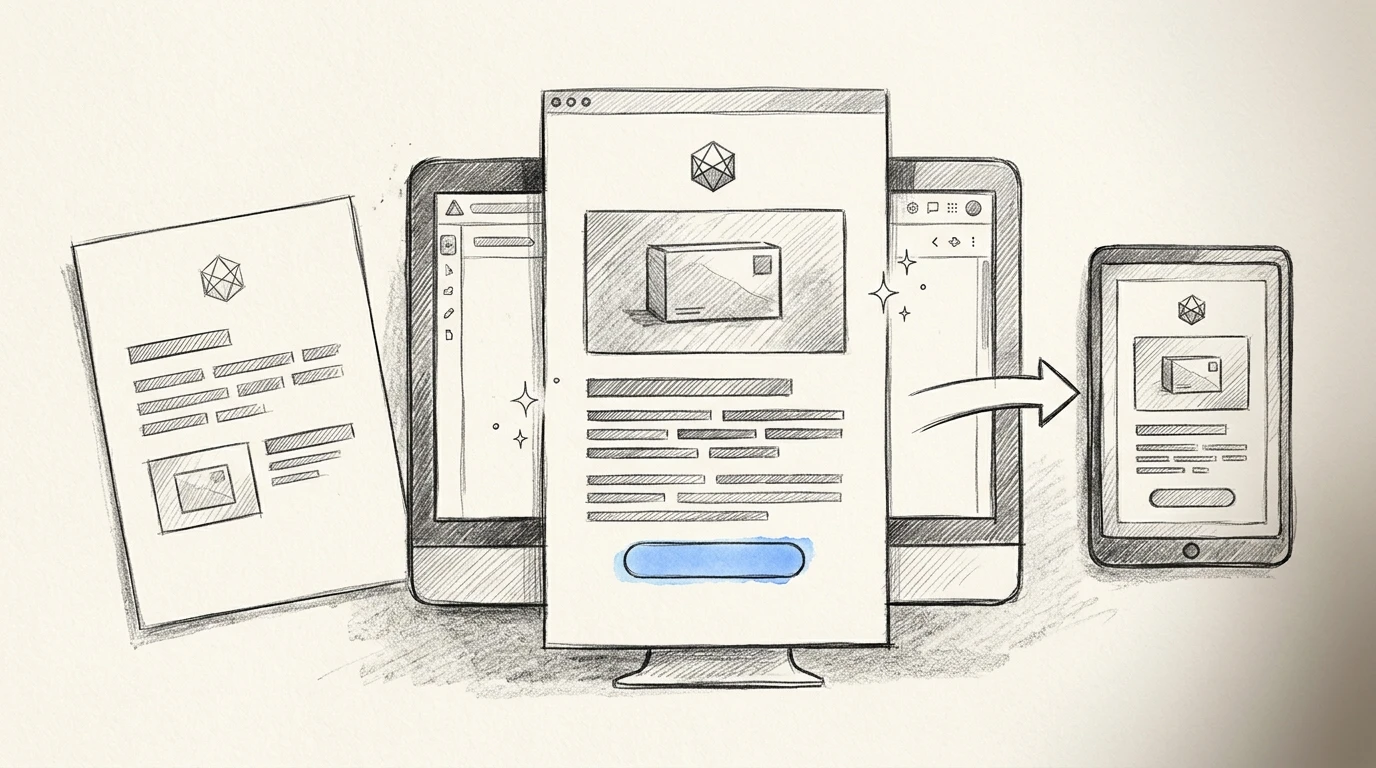
Bardiah is our product, and it fits founders or agencies that want to upload brand assets, paste approved copy, refine the design conversationally, and export responsive HTML to an existing sender. It stores assets and writing samples per project, preserves pasted copy word for word, and includes design version history.
That project separation matters when you’re switching between client brands. You can keep each client’s materials together rather than repeatedly entering colors or checking which logo belongs in the campaign.
As of November 2026, our Bardiah pricing page lists Starter at $29/month, with 10 emails per month and 2 projects, and Studio at $79/month, with 30 emails per month and 10 projects. Choose according to both campaign volume and the number of brands you manage.
Choose Bardiah if the missing step is design and HTML production. Choose a sending platform instead if you need the same product to manage subscribers, schedule campaigns, and report on delivery.
Klaviyo: for campaign creation tied to customer data
Klaviyo fits teams that want AI assistance connected to their campaign and customer-data workflow. Its K:AI product documentation describes Composer creating audiences, drafting content, and developing a send strategy from a stated goal.
That scope is useful when your question is broader than what the email should look like. A store planning a product campaign may need help deciding whom to target before refining the creative.
Choose Klaviyo if audience decisions and campaign production belong together. Skip it as a standalone design choice if you’re satisfied with your current sender and only need a portable HTML email.
Brevo: for content assistance alongside campaign operations
Brevo fits marketers who want content generation within a broader marketing platform. Its AI Marketing Agent overview describes generating or refining text, alongside audience segmentation, send-time assistance, and dynamic product recommendations.
This makes it worth considering when your team needs help across campaign operations. A newsletter owner who mainly wants a less generic opening paragraph has a narrower requirement than a marketer coordinating content with audience targeting.
Choose Brevo if content assistance is part of a wider platform decision. Choose a specialist design workflow if your immediate problem is repeated layout adjustments rather than campaign management.
How can you test the shortlist before committing?
Compare the finished campaign after handoff. A persuasive demo won’t tell you whether you’ll spend the afternoon restoring approved copy or repairing the imported layout.
Use a campaign you actually need to send, such as a product update with an approved headline, a screenshot, and a CTA. Give each tool the same assets and wording. For an in-platform assistant, run the test in its editor. For an export tool, import the output into your sender before judging it.
Copy this brief and replace the placeholders:
Create a branded product-update email using the supplied assets.

Brand:
[Brand name]

Assets:
[Logo, approved colors, product image, and writing sample]

Reader:
[Who receives this email and what they already know]

Campaign goal:
[The action the reader should take]

Approved copy:
[Paste the complete approved copy]

Destination URL:
[Paste the CTA destination]

Requirements:
Preserve the approved copy word for word.
Do not add claims, testimonials, urgency, or discounts.
Use the supplied logo and colors.
Make the supplied CTA visually prominent.
Keep essential information as live text.

After the first draft:
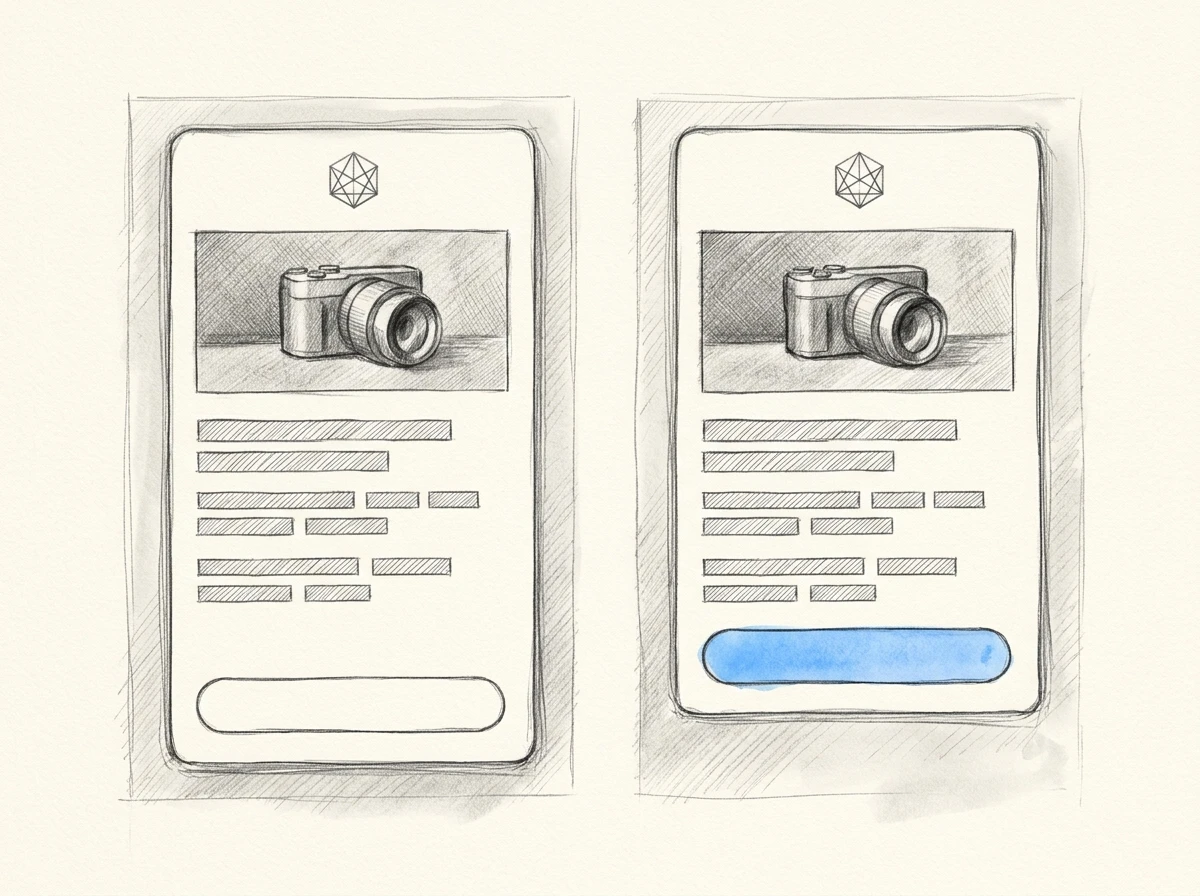
Reduce the space above the CTA without changing any wording.
The final revision request is deliberate. It tests whether a small design instruction changes unrelated content or forces you into manual reconstruction.
Inspect the HTML in an HTML Email Previewer to catch obvious layout problems, then send a test through your actual platform. A browser preview alone can’t establish how the email will behave in Outlook or another recipient’s email client.
Record what you had to repair. Changed wording, replacement images, broken personalization tags, and manual footer work all count toward the tool’s real production cost.
Frequently Asked Questions
Can a free AI email generator handle branded marketing emails?
It can help you evaluate the workflow, but free access may cover writing rather than complete design production. MailerLite’s documentation describes trial credits for AI writing, so distinguish temporary access from an ongoing free allowance.
Can I use ChatGPT instead of a dedicated email generator?
Yes, for drafting copy or producing an HTML starting point. You’ll still need a process for brand assets, revisions, and email-client testing, so compare the full production effort rather than the initial draft alone.
Will AI-generated emails go to spam?
Using AI doesn’t determine inbox placement by itself. Authentication, recipient consent, sender reputation, and complaint patterns also matter, and a polished design doesn’t compensate for problems in those areas.
Is an email address generator the same as an AI email writer?
No. An address generator creates address suggestions or temporary addresses, while an AI email writer creates message content. Neither necessarily produces a branded marketing layout.
For your next product update, test whether the tool keeps the approved wording intact through a spacing revision and the final handoff. If branded HTML is the step you’re missing, try that workflow in Bardiah, or get in touch about your email-production needs. Keep the tool that leaves you with the least repair work before sending.